Official alerts that reach beyond the cell network.
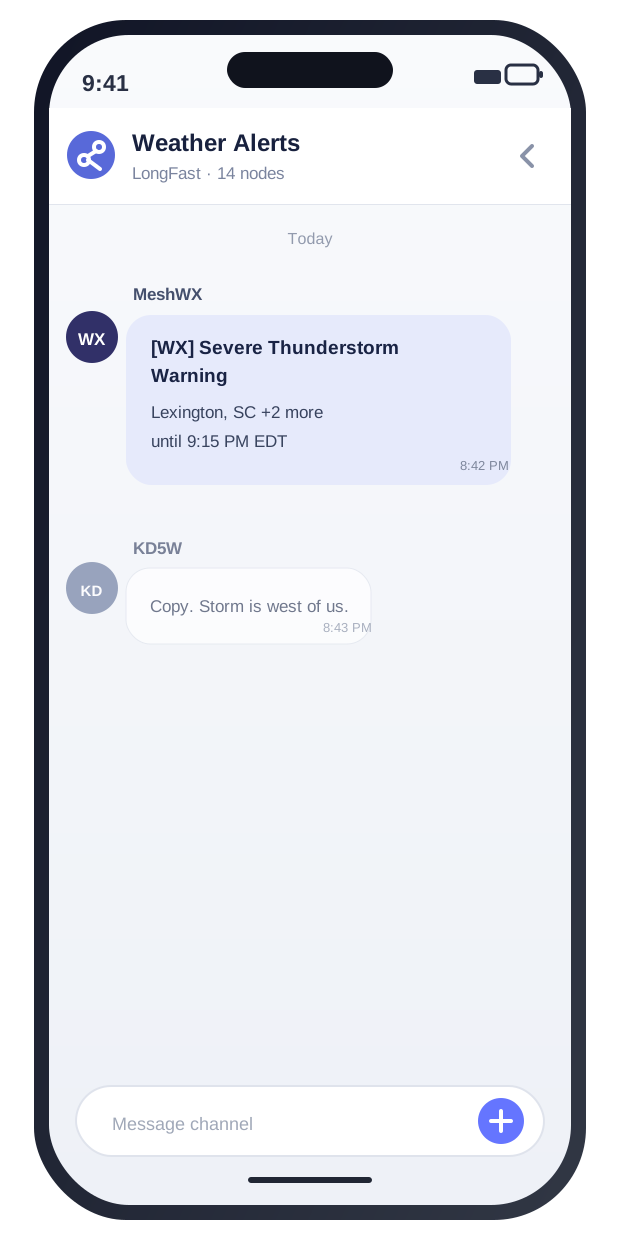
MeshWX watches National Weather Service weather alerts and FEMA IPAWS public safety alerts, then broadcasts the warnings that matter over Meshtastic, MeshCore, or both. One self-hosted dashboard keeps your local mesh informed when severe weather or a local emergency develops.
NWS + FEMA IPAWSMeshtastic + MeshCoreNo account or cloudWindows, Pi, and Docker
Automatic weather alertsDelivered to both mesh networks
Meshtastic MeshCore
2official alert sources
195byte message limit
0cloud accounts required
24/7automatic alert monitoring
One dashboard. Two mesh networks.
Watch weather and public safety alerts. See every broadcast.
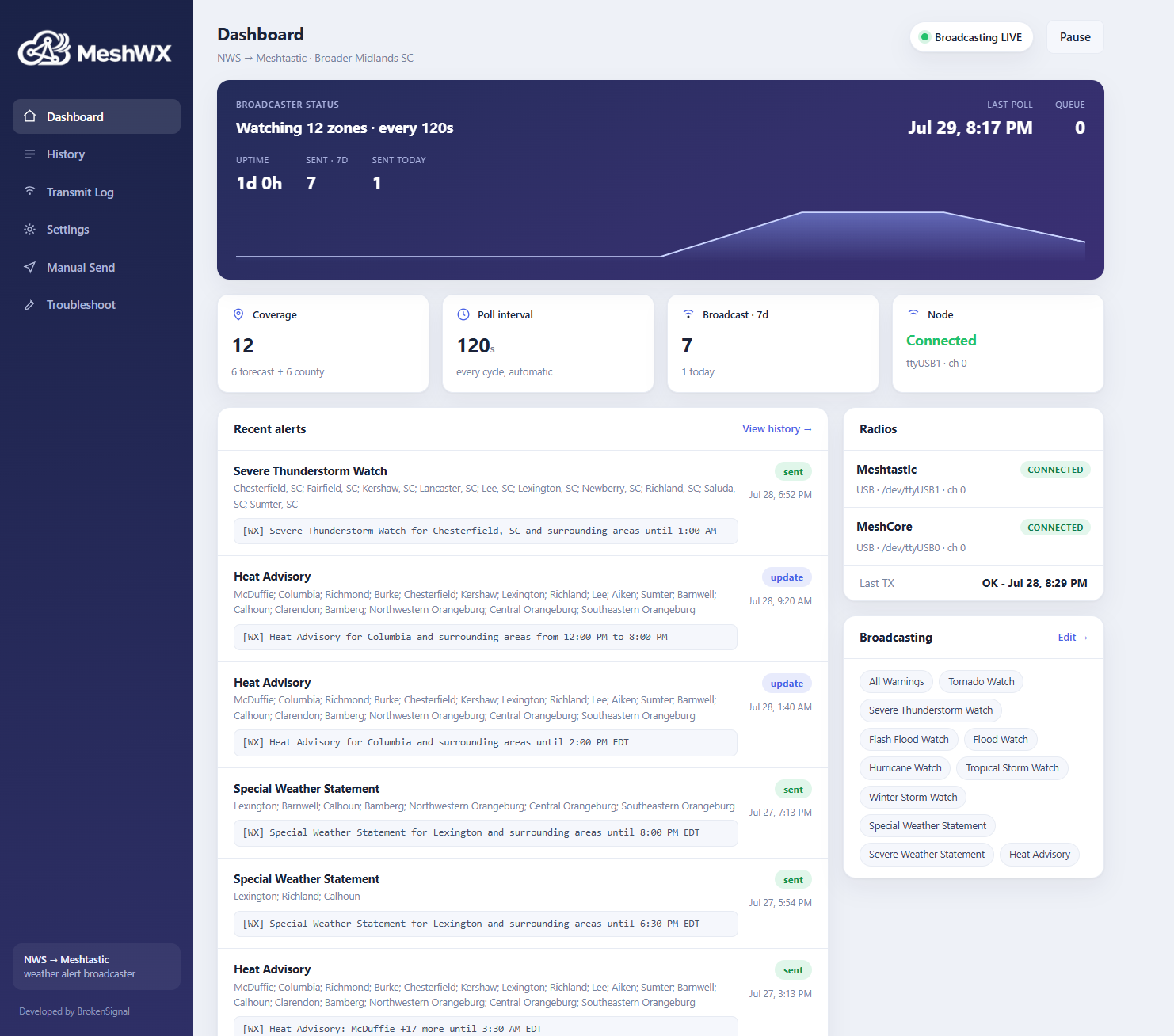
MeshWX keeps separate histories for NOAA weather and FEMA IPAWS alerts, shows both connected radios, and records every message sent to your local mesh.
● meshwx.local
LIVE
Meshtastic
Send alerts to a familiar channel
Use a dedicated weather channel or the channel your group already monitors. MeshWX handles formatting, deduplication, updates, and cancellations.
Concise location and expiration time
Repeat sends for better delivery odds
Live and test channels stay separate
MeshCore
Keep off-grid users informed
Broadcast the same alert through a MeshCore USB companion radio, side by side with Meshtastic or on its own.
Run either platform or both together
Independent radio ports and channels
Bench-test each radio from the dashboard
Now with FEMA IPAWS
Public safety alerts beyond weather.
MeshWX can also monitor FEMA's Integrated Public Alert and Warning System and broadcast selected public safety alerts to your mesh.
Official public alerts
Choose the alerts your mesh should carry
Enable only the IPAWS categories that matter to your area and keep weather alerts separate from public safety traffic.
AMBER and child-abduction alerts
Civil danger, local emergencies, and evacuation orders
Shelter-in-place, hazardous materials, and law-enforcement warnings
911 outages, nuclear incidents, boil-water notices, and other public safety alerts
Updates and cancellations
Send the alert, the update, and the all-clear
MeshWX tracks IPAWS alert identifiers and references so updates and cancellations can be broadcast instead of leaving an old warning hanging on the mesh.
Separate IPAWS history page
Optional test and exercise messages
Location filtering before transmission
LoRa-sized messages for Meshtastic and MeshCore
Built for resilient local communications
For the people who keep a mesh useful when conditions get bad.
MeshWX fits naturally into community and emergency communications systems that already use low-power LoRa radios.
Add useful, automatic traffic to an existing Meshtastic or MeshCore community.
Emergency communications groups
Give groups another path for weather warnings, evacuation notices, shelter-in-place orders, and other official public alerts.
Prepared families and neighborhoods
Share critical weather and public safety information across properties where cellular coverage is weak.
Events, camps, and remote sites
Keep organizers and participants aware without depending on every phone having service.
Designed to run quietly in the background
Everything needed to turn official alerts into useful mesh traffic.
01
Two radios, one dashboard
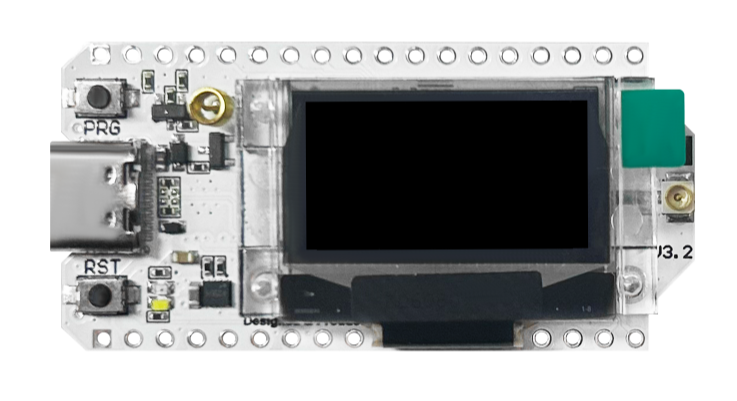
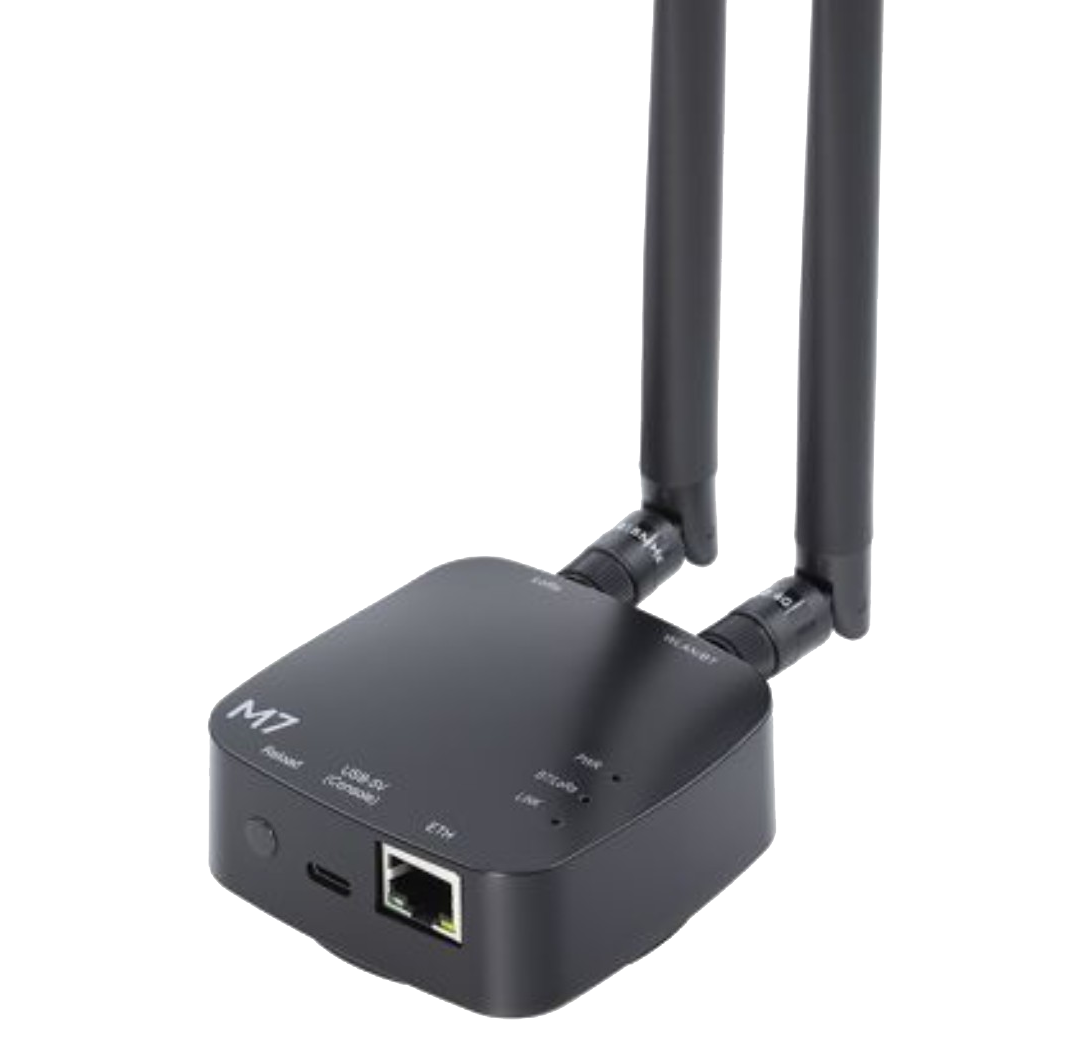
Connect Meshtastic, MeshCore, or both. Each radio gets its own USB port, alert channel, repeat settings, and test control.
MeshWXMeshtasticMeshCore
Smart filtering
Select counties, alert sources, and alert types from the interface instead of wrestling with zone codes or CAP data.
LoRa-sized messages
Long weather and IPAWS bulletins are reduced to the event, location, instruction, and expiration time within a 195-byte limit.
No duplicate noise
MeshWX remembers what it sent, only rebroadcasting meaningful updates and cancellations from NWS or IPAWS.
A dashboard worth checking
See connected radios, NOAA and IPAWS histories, transmission history, current coverage, and seven-day activity at a glance.
How it works
From NWS and FEMA IPAWS to the mesh in three steps.
1
Watch your selected area
MeshWX polls the NWS and FEMA IPAWS feeds for the counties, forecast zones, and alert categories chosen in the dashboard.
2
Filter and format
Only enabled alert types move forward, then the key details are compressed into a clear mesh-sized message with updates and cancellations handled correctly.
3
Broadcast over LoRa
The alert is sent through each enabled radio and appears in the channels monitored by local users.
Install MeshWX
Choose your host and get running.
Windows users can download the latest release. Linux and Docker users can copy the commands below and install MeshWX directly.
Download the latest release, connect a compatible radio, and choose the NWS weather and FEMA IPAWS public safety alerts your community needs to receive.
Important: MeshWX is a supplemental tool, not a certified warning system. Keep an official source such as NOAA Weather Radio, wireless emergency alerts, or local sirens.